New Filebot Docker Image
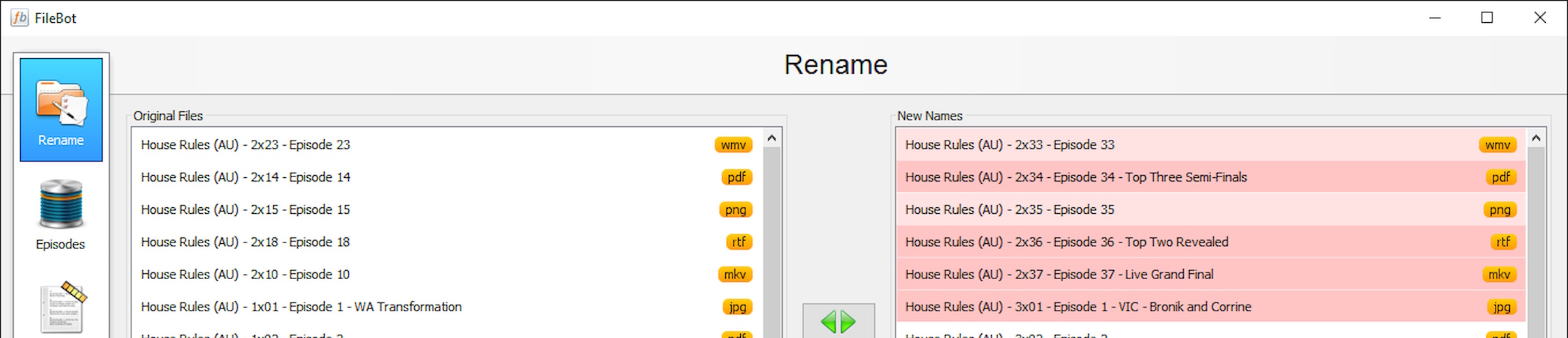
Filebot is the ultimate tool for renaming and organizing your movies, TV shows and Anime.
Why a new Filebot Docker image?
Simple really, I had tried the Jocelyn Le Sage’s image which has an impressive number of configurable options but I was seeking a simplicity.
I did have it running on my Windows PC but my preference is to have it centralized on my Media Server without requiring a full desktop. Just enough X-Windows to do the job.
Docker
Available on DockerHub
docker pull alandoyle/filebot
Usage
docker run --name=filebot \
  -d --init \
  -v <MY_DATA_PATH>:/data \
  -v <MY_MEDIA_PATH>:/media \
  -p 80:8080/tcp \
  -p 5900:5900/tcp \
  alandoyle/filebot:latest
Docker compose example:
---
services:
  filebot:
    image: alandoyle/filebot:latest
    container_name: filebot
    restart: unless-stopped
    init: true
    ports:
      - 80:8080  # If you want to go filebot through a browser
      - 5900:5900  # If you want to use a VNC client instead of the browser
    volumes:
      - /Storage/Incoming:/media
      - ./data:/data
    environment:
      - RESOLUTION=1600x900 # Change resolution (default: 1366x768)
      # - VNC_PASSWORD=8charpwd
    restart: always
    shm_size: "1gb"
Ports
| Port | Description |
|---|---|
8080/tcp |
NOVNC HTTP Port |
5900/tcp |
VNC Port |
Volumes
| Path | Description |
|---|---|
/data |
path for Filebot configuration files |
/media |
path for Filebot media files |
Filebot Licence
If you have a valid Filebot Licence then this file can be copied to the /data directory as .licence
This file is included in the email confirming registration and is in the following format…
-----BEGIN PGP SIGNED MESSAGE-----
Hash: SHA512

<Licence details here>

-----END PGP SIGNATURE-----
Links to buy a yearly or lifetime licence can be found on the Filebot download page.
Conclusion
A simple, lightweight Docker image running “just enough” X-Windows to run Filebot. Perfect for my needs.
Hopefully, somemone else will find this image useful too.

Written by Alan Doyle
June 25, 2026.